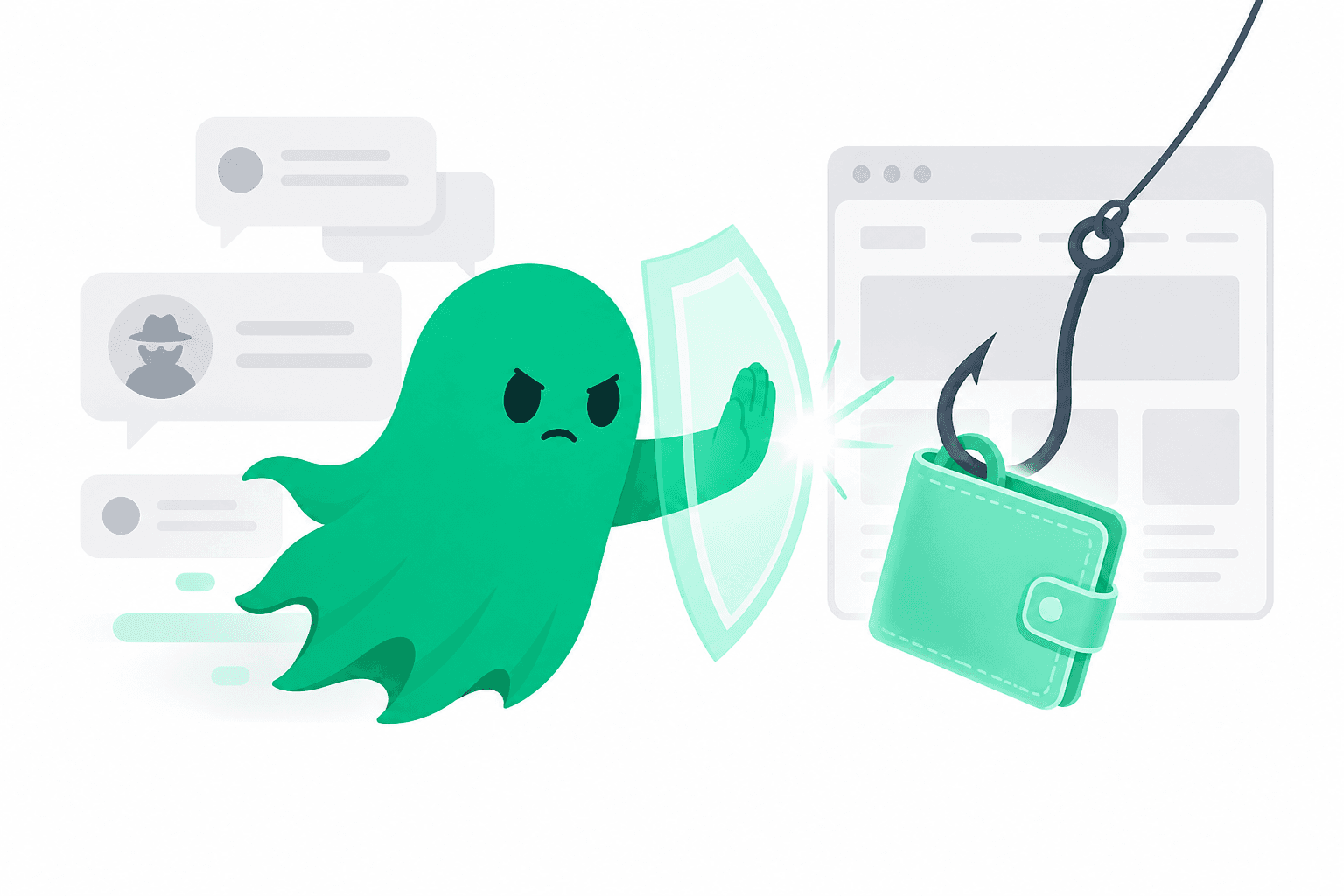
The 2026 phishing kit is rarely a misspelled URL in an email. It is a cloned app, a “support” handle that messaged you first, and a signature request that looks like a login. Wallet drainers hide in permit, increaseAllowance, and “blind sign” prompts.
The three setups that still work
- Cloned exchange or mixer sites ranked above the real one in ads. You connect a wallet “to verify” and sign a drain.
- Fake support after you post about a failed withdrawal. They send a “ticket URL” that is the drainer.
- Address poisoning: a lookalike destination in your history. You copy the wrong one from a previous transaction list.
Signatures are the payload
If a site needs your seed phrase, it is a scam. If it needs an unlimited token approval, treat it as a withdrawal. Hardware wallets help only if you read the destination and the method name on the device. “Sign in” that shows a contract interaction is not a login.
What to do after a drain
Move whatever is left to a new wallet you created offline. Revoke approvals from a known-good computer. Report the destination address on TrustGhost with the tx hash and the phishing URL if you still have it. Other people will search that wallet tomorrow.
Do not send more funds to a “recovery specialist” who contacted you. Recovery scams harvest the second half of the loss. Independent crypto company reviews and wallet reports are how you sanity-check anyone asking for a prepayment to “trace” coins.